How to Validate Complex Business Rules in Laravel Using the after() Method
Advanced Laravel Validation: Using the after() Method in FormRequests
Recently, while developing Preve during live streams on YouTube, I encountered an interesting problem: how to validate that a transaction's type matches its category's type?
Normally, when working with validation in Laravel, simple rules in the rules() method work just fine. But in this case, I needed to compare two fields and query the database to fetch the category's type. That's when I discovered the after() method in FormRequests - and that's what I'm going to talk about in this article.
The Problem
Imagine you have a financial application where users register transactions. Each transaction has:
- A type field (
income/expense) - An associated category
The business rule is: a transaction can only be of type income or expense if the category is also of the same type.
With the basic validation rules in our FormRequest, we can validate if the fields exist and are in the correct format:
public function rules(): array
{
    return [
        'category_id' => ['required', 'integer', 'exists:categories,id'],
        'type'        => ['required', 'in:income,expense'],
        // ...
    ];
}
But how do we validate if the transaction's type matches the category's type? This is where we enter more complex validation territory.
The Solution: The after() Method
Laravel offers the after() method in FormRequests to execute additional validations after the basic rules pass. This is perfect for business rules that need to query the database or compare multiple fields.
How It Works
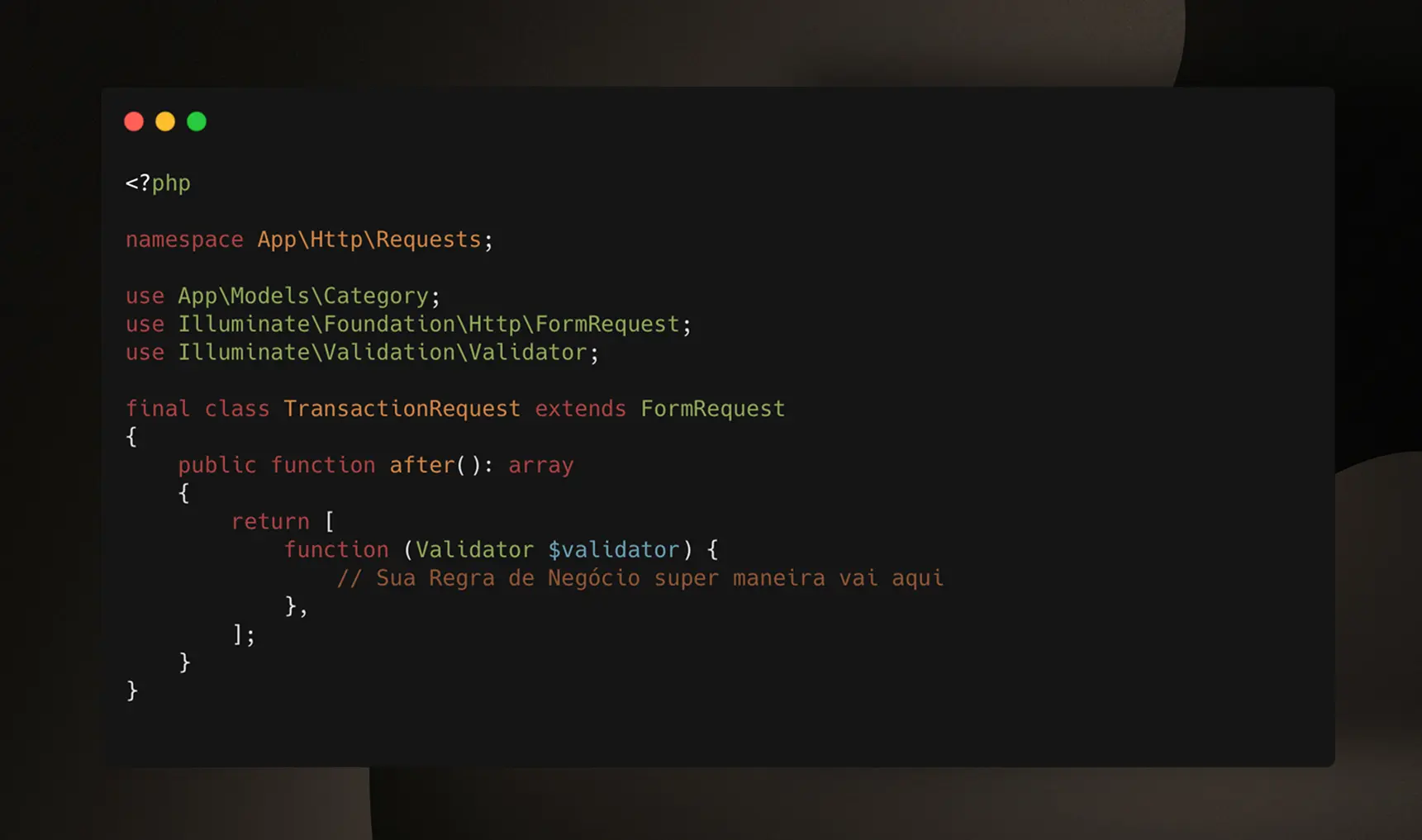
The after() method returns an array of callables that will be executed after the initial validation. Each callable receives a Validator instance:
use Illuminate\Validation\Validator;

public function after(): array
{
    return [
        function (Validator $validator) {
            // Your custom validation logic here
            // And you can have more than one 😅
        }
    ];
}
Practical Example
Let's see how to solve our transaction validation problem:
<?php

namespace App\Http\Requests;

use App\Models\Category;
use Illuminate\Foundation\Http\FormRequest;
use Illuminate\Validation\Validator;

final class TransactionRequest extends FormRequest
{
    public function authorize(): bool
    {
        return true;
    }

    public function rules(): array
    {
        return [
            'category_id'      => ['required', 'integer', 'exists:categories,id'],
            'tag_id'           => ['nullable', 'integer', 'exists:tags,id'],
            'amount'           => ['required', 'numeric'],
            'type'             => ['required', 'in:income,expense'],
            'description'      => ['required', 'string', 'min:3'],
            'notes'            => ['nullable', 'string'],
            'transaction_date' => ['required', 'date'],
        ];
    }

    public function after(): array
    {
        return [
            function (Validator $validator) {
                // 1. If there are already errors, don't execute additional validation
                if ($validator->errors()->isNotEmpty()) {
                    return;
                }

                // 2. Fetch the category from the database
                $category = Category::query()->find($this->category_id);

                // 3. Check if the category type matches the transaction type
                if ($category && $category->type->value !== $this->type) {
                    $validator->errors()->add(
                        'category_id',
                        "The selected category must be of type {$this->type}."
                    );
                }
            },
        ];
    }
}
Understanding the Code
1. Checking for existing errors:
if ($validator->errors()->isNotEmpty()) {
    return;
}
If the basic rules have already failed, it doesn't make sense to execute additional validations. This avoids unnecessary database queries.
2. Database query:
$category = Category::query()->find($this->category_id);
Here we fetch the category to verify its type. Since category_id has already passed the exists validation, we know it exists.
3. Business rule validation:
if ($category && $category->type->value !== $this->type) {
    $validator->errors()->add(
        'category_id',
        "The selected category must be of type {$this->type}."
    );
}
We compare the category's type with the transaction's type. If they don't match, we add a custom error.
When to Use the after() Method
Use the after() method when you need to:
-
Validate relationships between multiple fields
- Like in our example: transaction type vs. category type
-
Execute database queries for validation
- When
existsoruniquerules aren't sufficient
- When
-
Validate complex business rules
- Calculations, date comparisons, permission checks, etc.
-
Avoid unnecessary queries
- Only execute heavy queries if basic validation passes
Additional Example: Validation with Invokable Classes
For more complex or reusable validations, you can create invokable classes:
namespace App\Validation;

use Illuminate\Validation\Validator;

class ValidateCategoryType
{
    public function __invoke(Validator $validator): void
    {
        if ($validator->errors()->isNotEmpty()) {
            return;
        }

        $category = Category::find($validator->getData()['category_id']);

        if ($category && $category->type->value !== $validator->getData()['type']) {
            $validator->errors()->add(
                'category_id',
                'The selected category must be of type ' . $validator->getData()['type'] . '.'
            );
        }
    }
}
And use it in the FormRequest:
use App\Validation\ValidateCategoryType;

public function after(): array
{
    return [
        new ValidateCategoryType,
        function (Validator $validator) {
            // Other validations...
        }
    ];
}
Why not validate in the Controller?
An alternative would be to validate this business rule directly in the controller after receiving the data from the FormRequest. However, this would violate the single responsibility principle - the FormRequest exists precisely to centralize all validation logic. By using the after() method, we maintain separation of concerns and keep the controller focused only on orchestrating the application.
Conclusion
When I encountered this problem during the Preve live streams, my first reaction was to think: "I'll just validate this in the controller." But then I stopped to think - that would mess up the entire code organization and mix validation with business logic.
It was while talking with Claude Code (lol but later I read the Documentation and everything is very well explained there) that I discovered the after() method, and man, it completely changed how I handle complex validations. It's not just about making the code cleaner (which is also important), but about keeping responsibilities well-defined: FormRequest handles validation, Controller orchestrates everything.
If you're facing a situation where Laravel's basic rules aren't enough - whether because you need to query the database, compare multiple fields, or implement some more elaborate business rule - give the after() method a chance. It's there precisely for that.
And if you're interested in Preve and want to follow the development, all the live streams are recorded on YouTube where I build the project from scratch, facing real problems like this one and showing the solutions I find along the way. 🚀
References: